macOS · file converter · 100% local
New · it transcribesConvert anything on your Mac.
Nothing uploaded.
One app for images, audio, video and PDFs - and now it transcribes them, too. Your files never leave your machine - prove it right here:
Ready · awaiting input
HEIC → JPEG
Drop any file - we’ll read its name, nothing else.
That’s the whole app, in miniature.
One app for every Mac · macOS 11+ · Works offline · ~260MB - why?
The hidden step
Every web converter has a step they don’t put on the homepage.
“Free online converter” means your file - the client work under NDA, the scan of your passport, the unreleased track - goes to someone else’s server first. That’s not a converter with a privacy problem. That’s an upload service with a converter attached.
A web converter
- 01Upload your file to their server
- 02Wait in a queue behind strangers
- 03Converted on hardware you'll never see
- 04Download it back
- 05Hope it actually gets deleted
Loopter
- 01Drop
- 02Convert on your Mac
- 03Done
No account, no queue, no upload. It works in airplane mode - that’s not a feature, it’s proof.
How it works
Two clicks for humans. Raw flags for pros.
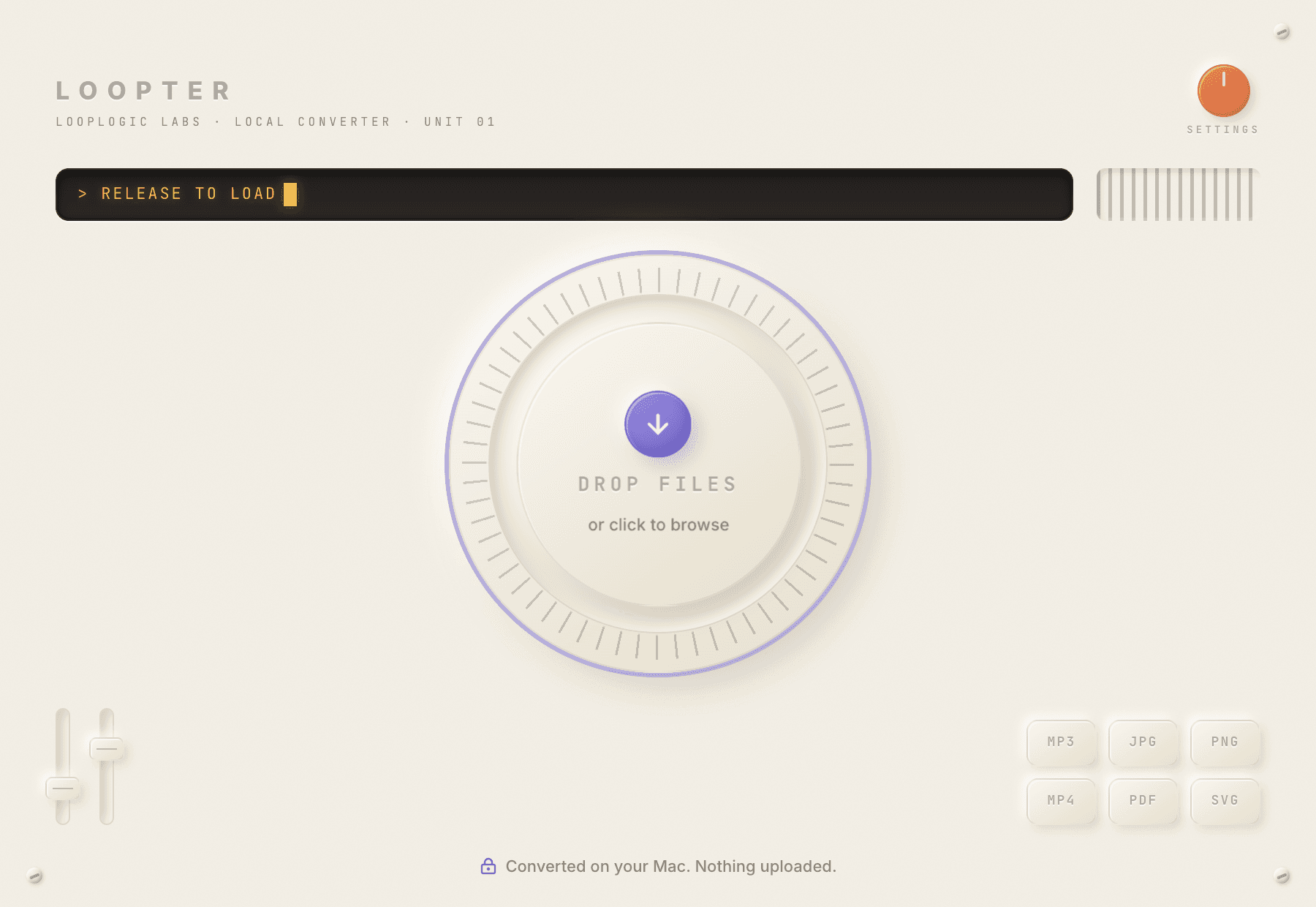
Drop
Drag files onto the dial - or anywhere in the window. Loopter reads the format and offers sensible targets. Mixed batch? It groups by type.
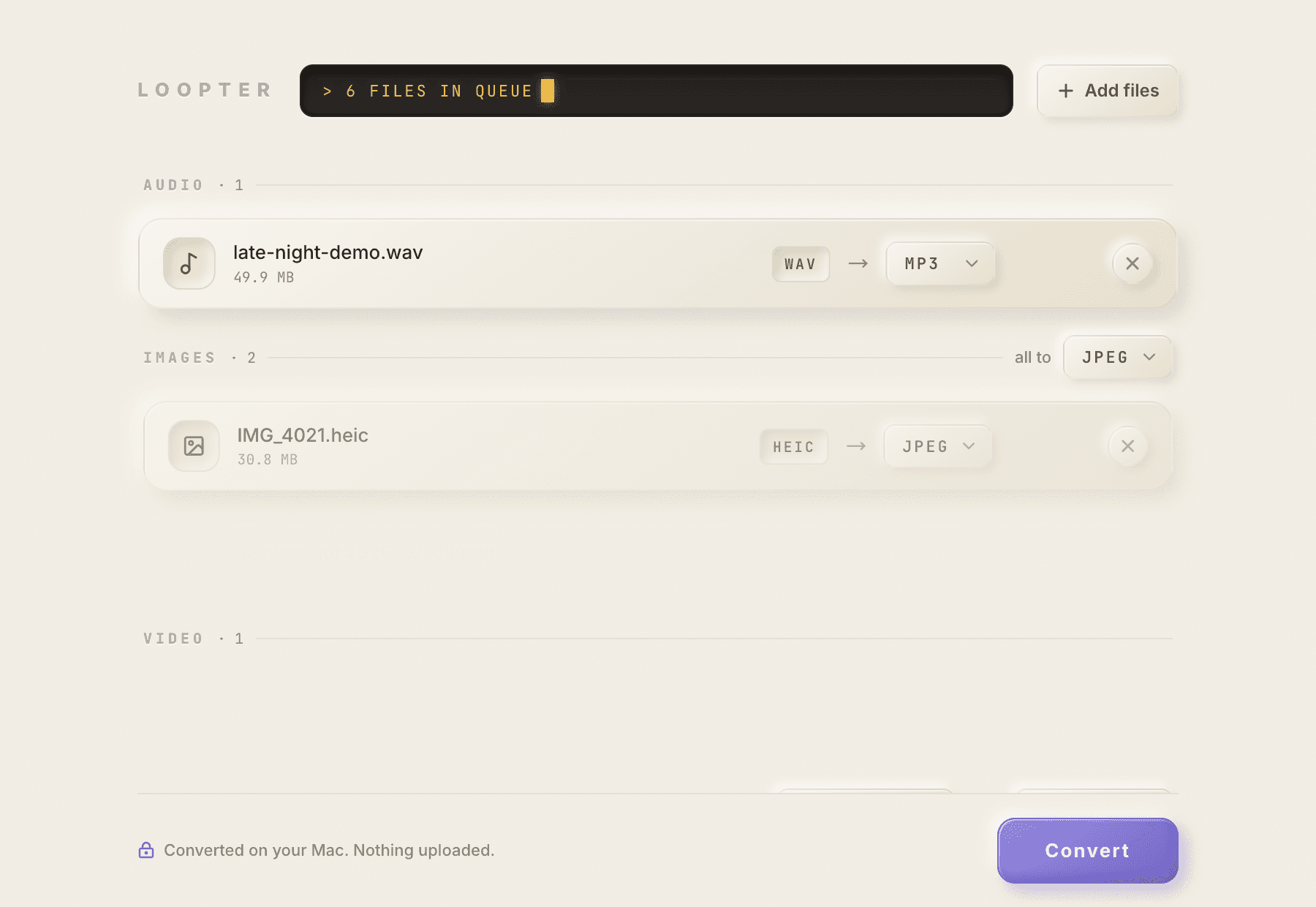
Choose
Pick a target per file or for the whole batch - any format, or a transcript. Quality presets if you care; good defaults if you don't. Power users can drop to raw engine flags.
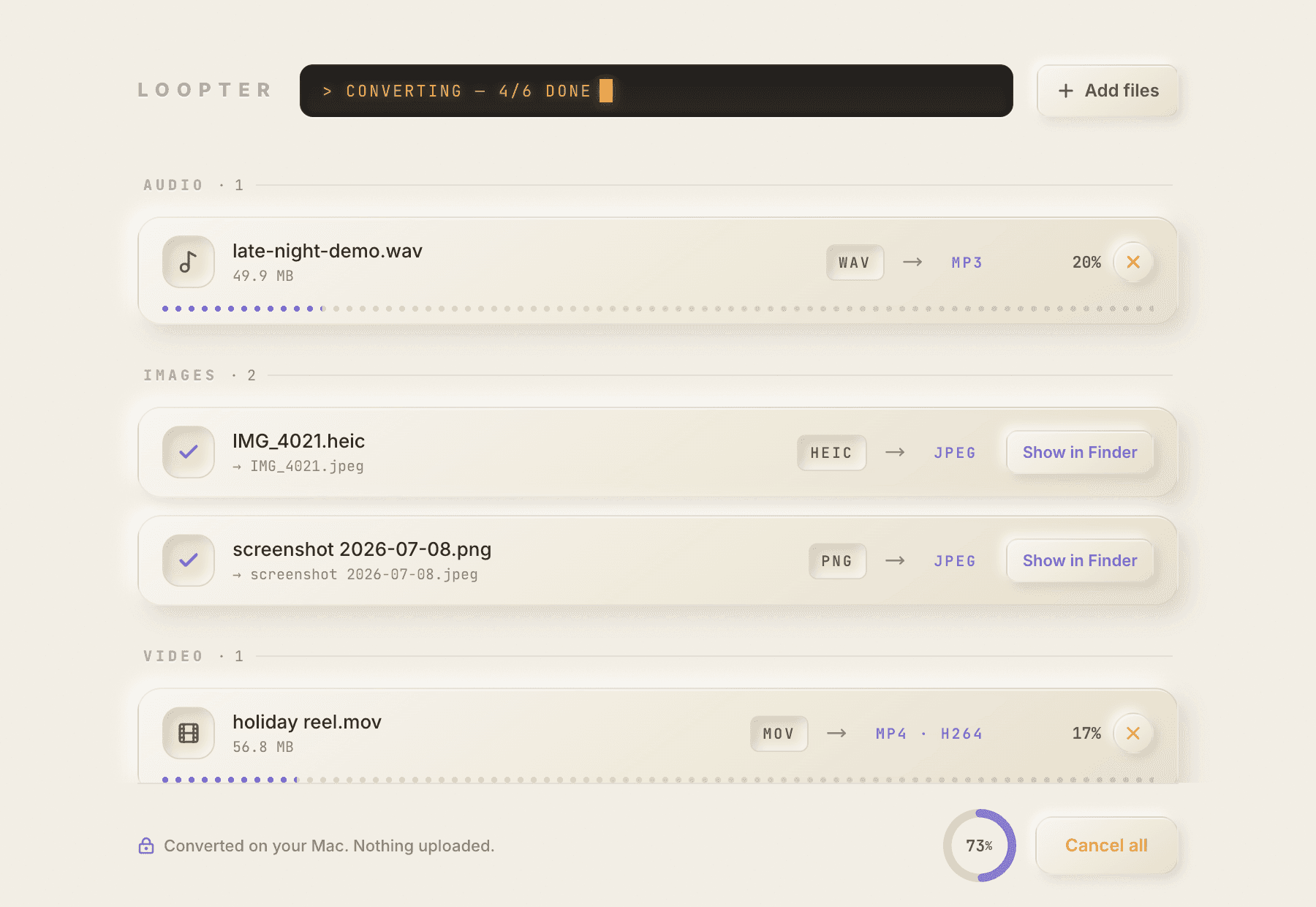
Convert
The dial becomes a progress ring. Files land next to the originals - or in whatever folder you set. Show in Finder, convert more, done.
Four lanes
One app instead of four.
The jobs you currently split between a video app, an image app, an audio app and a sketchy PDF site - in one window, with one habit: drop it on the dial.
Images
Any image to any image, in batches. HEIC from your iPhone to JPEG for the client, PNG to WebP for the web, SVG rendered to raster.
Audio
Lossless to lossy and back the other way - with sensible quality defaults so you don't have to know what a bitrate is.
Video
Hardware-accelerated H.264 and HEVC through Apple VideoToolbox, plus royalty-free VP9 and AV1. Screen recordings to shareable MP4s in one drop.
PDF & vector
PDFs to page images, images to a single PDF, compress, merge, split - and real vector work: PDF to SVG, and raster tracing to true vectors.
New in 0.4.0
Drop a recording.
Read it.
Loopter now transcribes. Any audio file - or any video, the audio track comes out automatically - becomes a full transcript, right in the app. Copy it, or export .txt and .srt subtitles with timestamps.
The model is in the box
OpenAI's Whisper runs on-device via whisper.cpp, bundled inside the app. No model download on first run, no API, no account. Turn off Wi-Fi and it still works.
~100 languages, auto-detected
Speak Spanish, Japanese or Portuguese at it - Loopter figures out the language on its own. No English-only fine print.
Fast where it counts
A one-hour recording transcribes in a few minutes on Apple Silicon. Older Intel Macs run at roughly real time.
voice-memo-for-the-site.m4a
Whisper · on-device
> Transcript - 00:31 - English · auto
00:00Note to self, for the website.
00:03People will ask if the transcription is actually offline.
00:08It is. The model ships inside the app - that's most of the 260 megabytes.
00:15Ran a full hour in airplane mode. Nothing left the Mac.
00:21It does subtitles too. SRT, timestamps, the lot.
00:26Anyway - this memo is the demo. Drop it on the dial.
Honest fine print: it transcribes - it doesn’t summarize, “extract key points” or send anything anywhere. You get exactly what was said, with timestamps, on your Mac.
Privacy
“Nothing uploaded” isn’t a feature.
It’s the architecture.
No server. Anywhere.
Conversions and transcription run as local processes on your Mac. There is no upload step to skip - the architecture simply doesn't have one.
Engines you already trust
FFmpeg, ImageMagick, Ghostscript, Inkscape - and now OpenAI's Whisper via whisper.cpp. The same open-source engines the big web tools run on their servers, bundled and run on-device.
No account. Nothing to leak.
No sign-up, no cloud sync, no file history on someone else's database. The only place your files exist is where they already were.
One network call, and it's optional
Your files never leave your Mac. The only thing that touches the network is a version check at launch - no file data, no analytics, nothing else. Turn it off in Settings and even that stops.
And you’ve already seen it work: the dial at the top of this page inspected your file without an upload - name and size, nothing else. Try it again ↑
Format matrix
40+ formats. Anything sensible to anything sensible.
Within each lane, any input converts to any reasonable target. No per-format upsells, no “premium codec” tier.
Spec readout · 4 lanes + transcripts
Loopter · format matrix
Honest fine print: Office docs (DOCX/PPTX) and ebooks are on the roadmap, not in v1. Native Adobe .ai export isn’t possible with open-source engines - Loopter outputs PDF/EPS/SVG, which Illustrator opens natively.
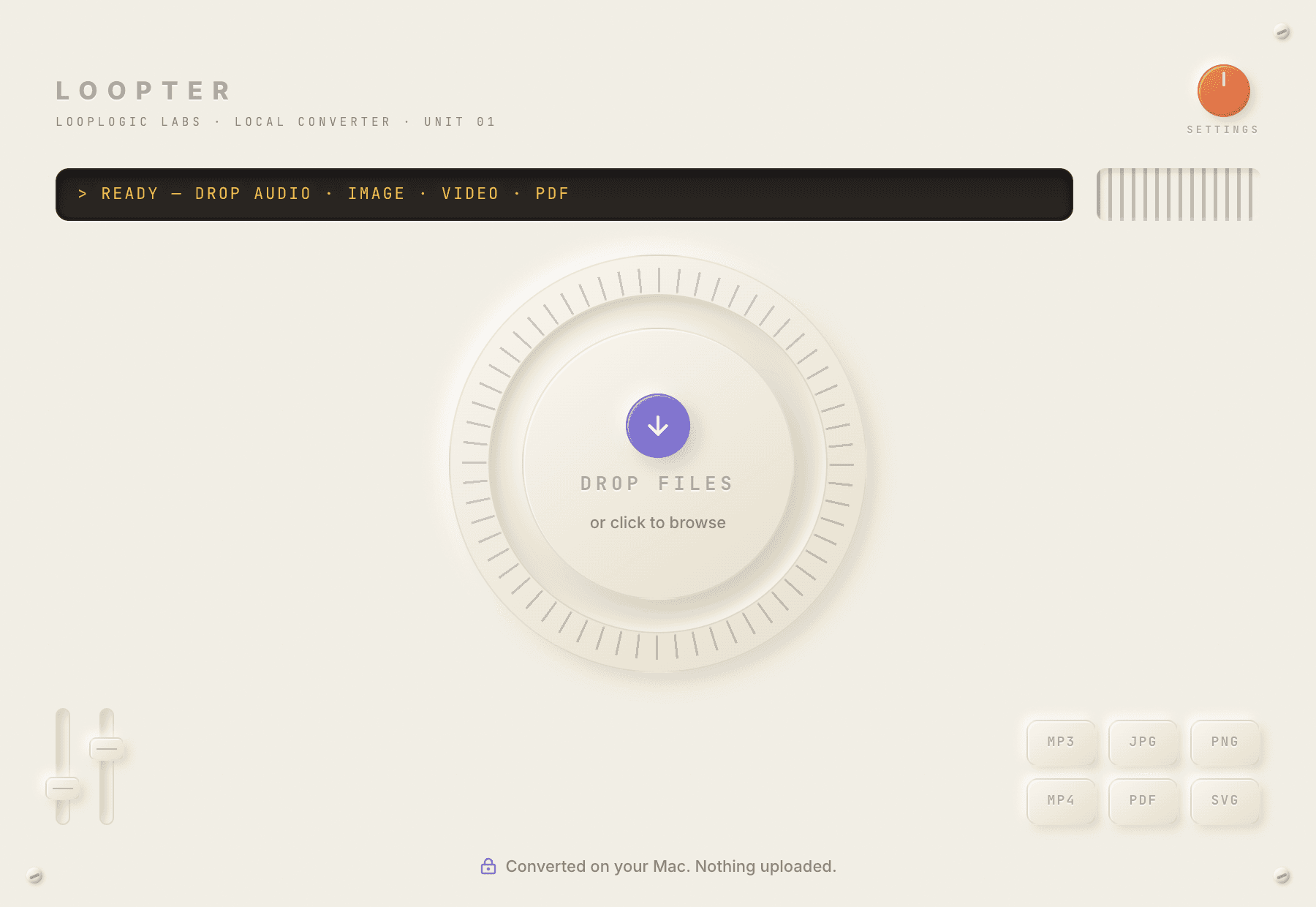
The real thing - Loopter on macOS
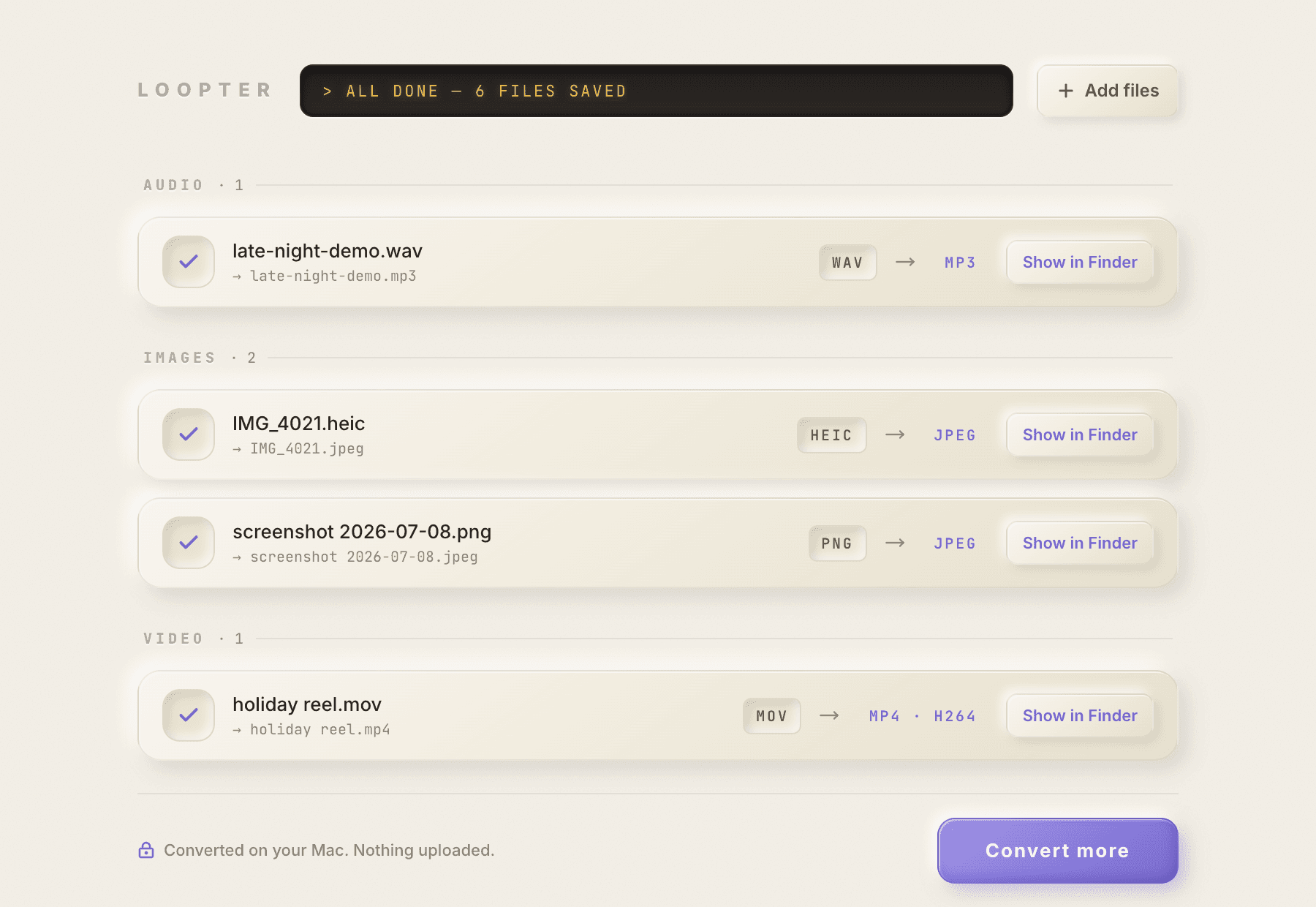
All done - Show in Finder
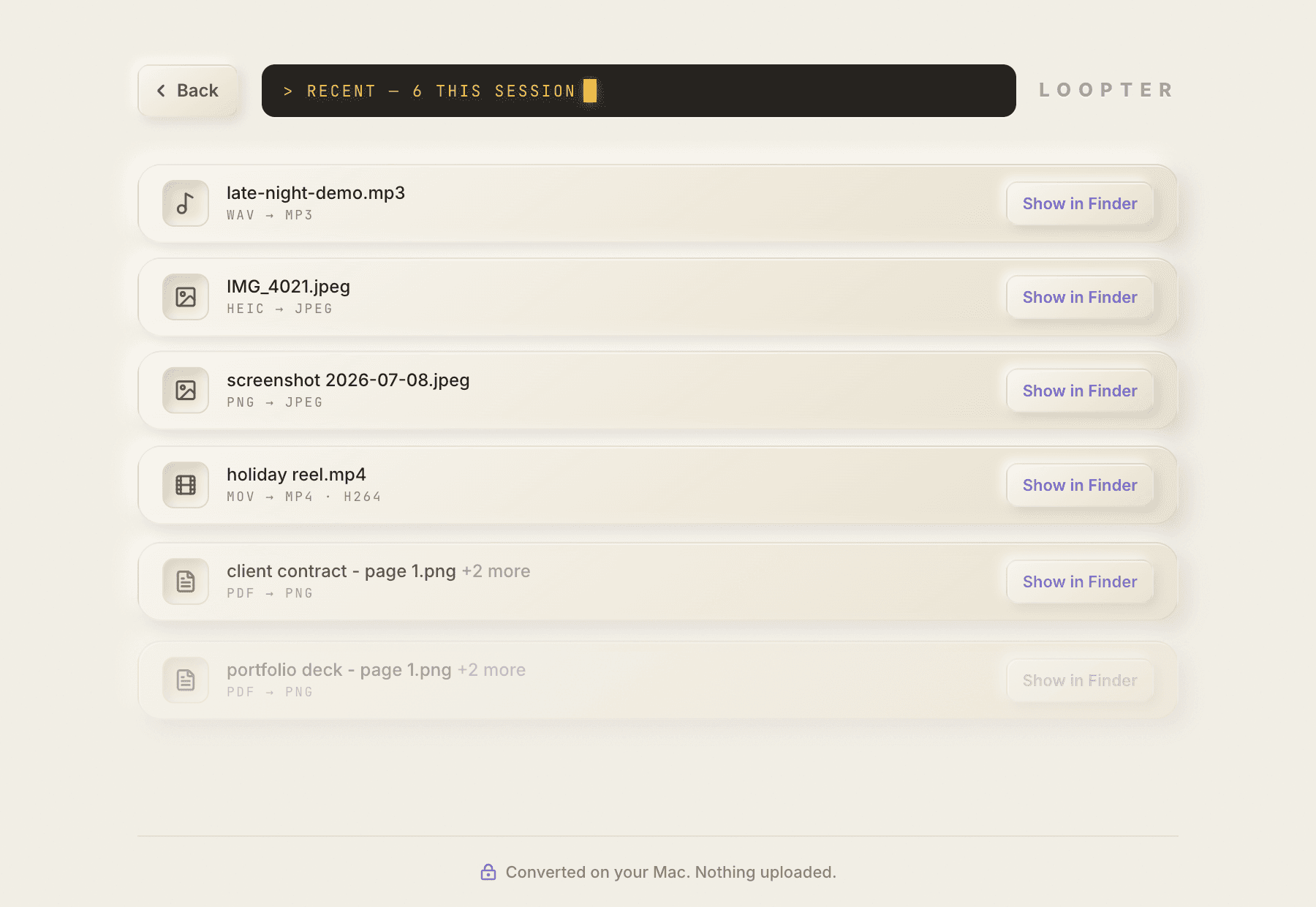
History - audio, image, video, PDF
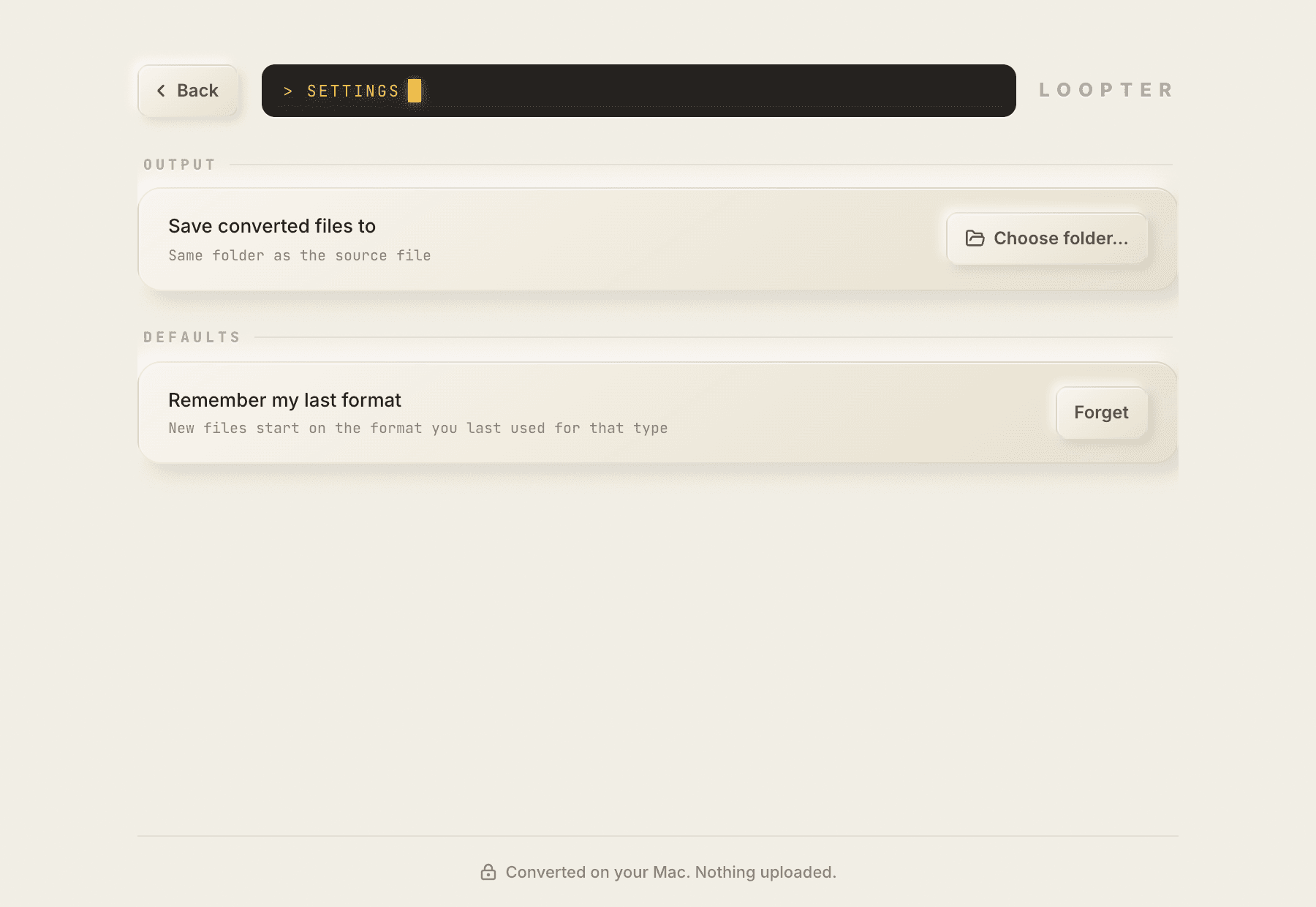
Settings - output folder, remember format
Pricing
Free. Actually free.
No trial that expires, no watermark, no subscription, no “pro” formats held hostage. Loopter is free to download and free to use - an independent app from Looplogic Labs, built by one person.
If it earns a place in your dock, you can keep it moving:
FAQ
Fair questions.
Is it really 100% offline?
Conversions and transcription are, fully - local processes on your Mac using bundled open-source engines, no upload step, no server in the loop. Even the speech-recognition model ships inside the app. Turn off Wi-Fi and everything keeps working. The one network call the app makes is checking for a new version at launch - no file data, no analytics, nothing else. You can turn that off in Settings too.
It's free? What's the catch?
No catch. No trial, no watermark, no locked formats. Loopter is a free, independent app. If you find it useful you can support development on Ko-fi, but nothing is gated behind it.
What can I transcribe?
Any audio format Loopter accepts - MP3, WAV, FLAC, M4A, OGG and more - plus video files: Loopter pulls the audio track out automatically. You get the full transcript in the app, with copy-to-clipboard built in and export to .txt or .srt subtitles with timestamps.
Which languages can it transcribe?
Around 100. Loopter auto-detects the spoken language - nothing to set, no English-only fine print. It's the multilingual Whisper model, running entirely on your Mac.
Why is the download ~260 MB?
Because the speech-recognition model ships inside the app. That's what makes transcription work with zero network access - nothing is fetched later, nothing leaves your Mac. A bigger download once, in exchange for no cloud, ever.
Can it export Adobe .ai files?
Honestly: no - native .ai export isn't possible with open-source engines, and we won't pretend otherwise. Loopter outputs PDF, EPS and SVG, all of which Illustrator opens natively.
What about Word, PowerPoint and ebooks?
Not yet. Office documents (DOCX/PPTX/XLSX → PDF) and ebook formats are on the roadmap. Loopter focuses on what it does really well: images, audio, video, PDF/vector - and now transcripts.
Is it on the Mac App Store?
Loopter ships as a direct-download DMG, signed with an Apple Developer ID and notarized by Apple - macOS verifies it before it runs. A Mac App Store release may follow.
What does it need to run?
macOS 11 (Big Sur) or later, on Apple Silicon or Intel. Video encoding uses Apple's built-in VideoToolbox hardware encoders, and transcription is fastest on Apple Silicon - a one-hour recording takes a few minutes.
My Mac can't run macOS 11 - am I stuck?
Loopter 0.4.0 needs macOS 11, and the built-in updater will never offer your Mac a version it can't launch. On older macOS, Loopter 0.3.0 - the last version that supports it - stays downloadable from github.com/looplogicworks/loopter-releases.
Contact
Talk to a human.
A bug, a format we’re missing, or an idea for v2 - it lands with the one person who builds Loopter. Replies come from hello@looplogic.works.
STANDBY
This form is the only thing on this site that transmits - and only when you press send.
Your files never needed to leave.
Download Loopter and convert the next one on your own machine.
Converted on your Mac. Nothing uploaded.